
Krira TV isn't in the Amazon Appstore, but it installs on any Fire TV Stick, Fire TV Cube or Fire TV smart TV in about two minutes using the free Downloader app.
Step 1 — Turn on developer options
Newer Fire TV software hides the setting that allows app installs. Unhide it first:
- Go to Settings → My Fire TV → About.
- Highlight your device name (for example Fire TV Stick 4K) and press OK on the remote seven times, until it says "You are now a developer".
- Press Back. Developer Options now appears under My Fire TV.
Step 2 — Install Downloader
- From the Fire TV home screen, open Find → Search and type Downloader.
- Select the orange Downloader app by AFTVnews and choose Get / Download.
- Go to Settings → My Fire TV → Developer Options → Install unknown apps and turn Downloader ON.
Step 3 — Install Krira TV with the code
Open Downloader, select the address box on the Home tab and type:
9568364 or aftv.news/9568364
- Press Go. The Krira TV APK downloads.
- When the installer opens, select Install, then Done.
- Choose Delete when Downloader asks about the file — this frees space and doesn't remove the app.
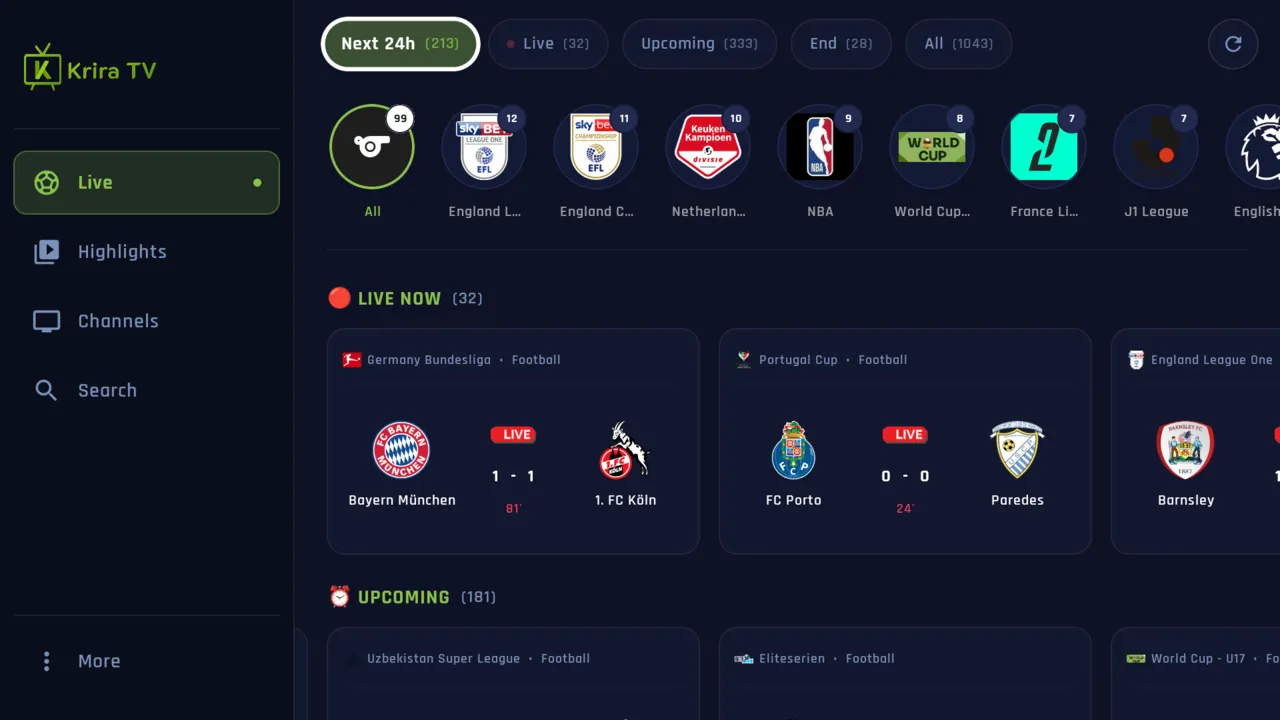
- Find Krira TV under Apps (the square icon on the home screen). Press the Menu button (three lines) on the remote while it is highlighted and choose Move to front to pin it.
Fire TV tips
- Use the 5 GHz Wi-Fi band if your router has one, or an Ethernet adapter. Fire TV Sticks are sensitive to weak Wi-Fi.
- Restart before a big match. Hold Select + Play/Pause for five seconds. It clears memory and reduces stutter.
- Low storage? Older 8 GB sticks fill up fast. Uninstall apps you don't use under Settings → Applications → Manage installed applications.
Questions about this
Does Krira TV work on every Fire TV Stick?
It works on Fire TV Stick (2nd gen and later), Fire TV Stick Lite, 4K, 4K Max, Fire TV Cube and Fire TV smart TVs.
"Install unknown apps" isn't in Developer Options.
You may be on an older Fire OS. Look for "Apps from Unknown Sources" in the same menu and turn it on.
Is it allowed to install apps this way on Fire TV?
Yes. Amazon includes the developer setting for exactly this purpose, and installing apps with Downloader doesn't void your device or account.