
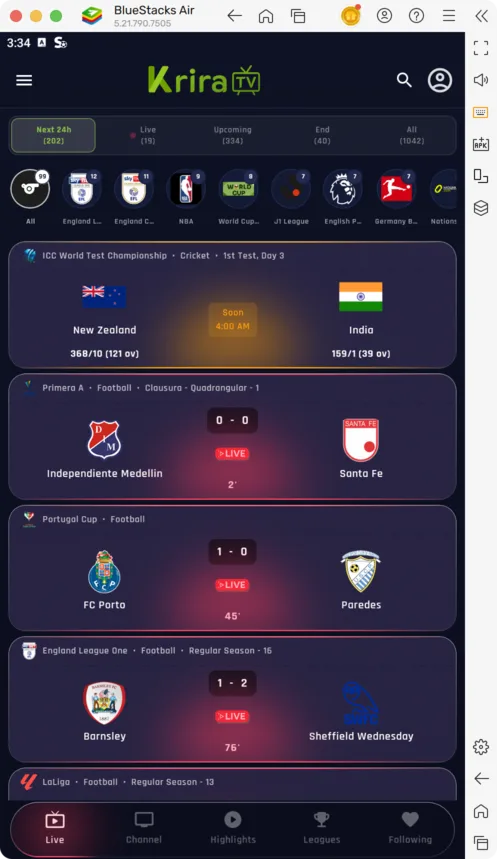
There is no Windows or Mac program called Krira TV. What works is a free Android emulator — a program that runs Android in a window on your computer. Krira TV installs inside it exactly as it would on a phone.
Which emulator to use
| Emulator | Best for | Works on |
|---|---|---|
| BlueStacks | First-timers; simplest setup | Windows, Mac (Intel & Apple silicon) |
| LDPlayer | Fast, light on mid-range laptops | Windows |
| MEmu / NoxPlayer | Older or low-RAM computers | Windows (Nox also on Mac) |
Download emulators only from their own websites. Avoid "BlueStacks + Krira TV" bundles offered elsewhere.
Set it up
- Install the emulator and let it finish its first start — it can take a few minutes.
- Download the Krira TV APK on your computer from the download page. Save it to your Desktop.
- Drag the APK onto the emulator window, or use the emulator's Install APK button (BlueStacks: the APK icon in the right sidebar).
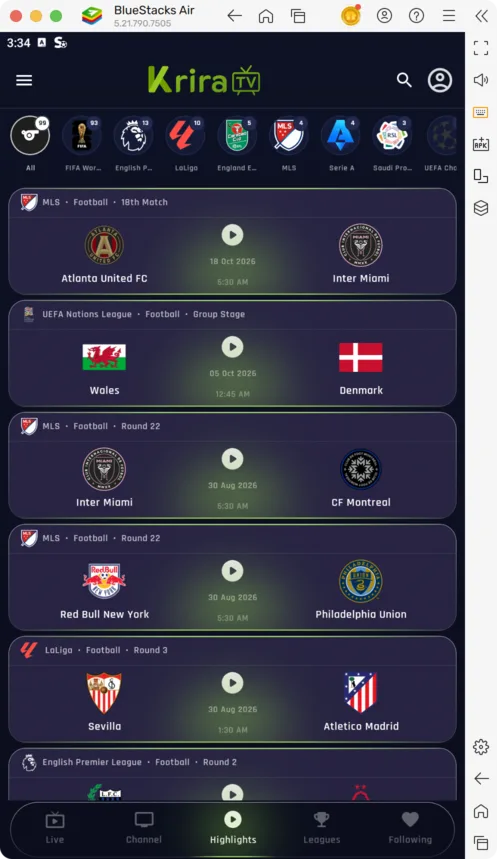
- Open Krira TV from the emulator's home screen and pick a match.
Make it run smoothly
- Turn on virtualization (VT-x / AMD-V) in your BIOS. Emulators are several times faster with it. BlueStacks shows a warning if it's off.
- Give the emulator 4 GB of RAM and 2–4 CPU cores in its settings, if your computer has 8 GB or more.
- Set the display to 1280×720 on slower machines — streams look the same, but the emulator works less.
- Full screen: in BlueStacks press F11; in LDPlayer use the full-screen button on the right.
Want it on a big TV? Connecting the laptop with HDMI works, but a Fire TV Stick or Android TV box is cheaper to leave plugged in. See the Firestick and Android TV guides.
Questions about this
Can I run Krira TV on Windows 7?
Yes, with an emulator that still supports Windows 7, such as older releases of LDPlayer or MEmu. Windows 10 or 11 gives a much smoother experience.
Does Krira TV work on a Chromebook?
Chromebooks run Android apps from the Play Store, but installing an APK file needs developer mode, which resets the Chromebook and is fairly technical. For most people a Fire TV Stick or a Windows PC with an emulator is the easier route.
Is using an emulator free?
BlueStacks, LDPlayer, MEmu and Nox are free. Some show ads in their own launcher; that has nothing to do with Krira TV.