
Installing Krira TV on an Android phone or tablet takes about a minute. The only unusual step is telling Android it may install an app that didn't come from the Play Store — and you only do that once.
Before you start
- Your phone runs Android 7.0+ (check in Settings → About phone).
- You have about 50 MB of free space.
- You are using Chrome or your phone's normal browser — not the Facebook or Messenger in-app browser, which can block downloads.
Step-by-step
- Download the APK. Open the download page and tap the first download link. If Chrome warns "This type of file can harm your device", tap Download anyway — Chrome shows this for every APK.
- Open the downloaded file. Tap Open in the notification, or find
app-release.apkin Files → Downloads. - Allow installs from this source. Android shows "For your security, your phone is not allowed to install unknown apps from this source." Tap Settings, turn on Allow from this source, and press back.
- Install. Tap Install. If Google Play Protect says the app is unrecognised, tap More details → Install anyway.
- Open and watch. Tap Open. Krira TV shows today's matches — pick one and choose a server.
When you first open Krira TV: it shows Player Required and asks you to install MNet Player, the free video player it uses. Tap Install, get it from Google Play, then come back to Krira TV. If it later says Update Required, update MNet Player the same way.
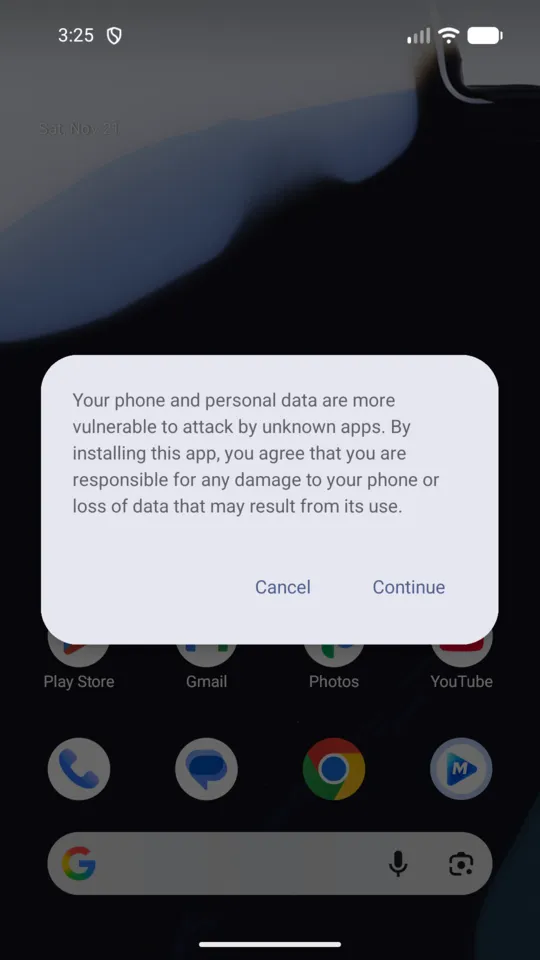
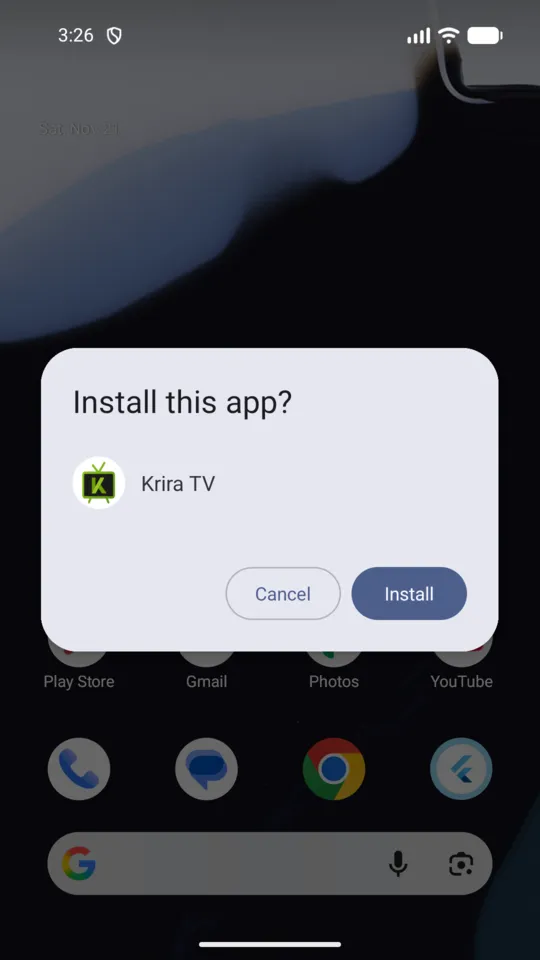
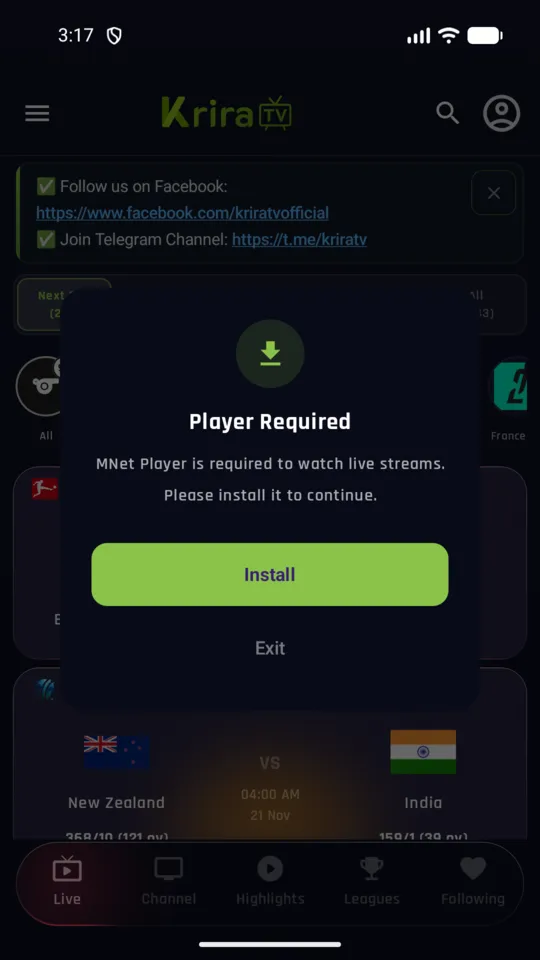
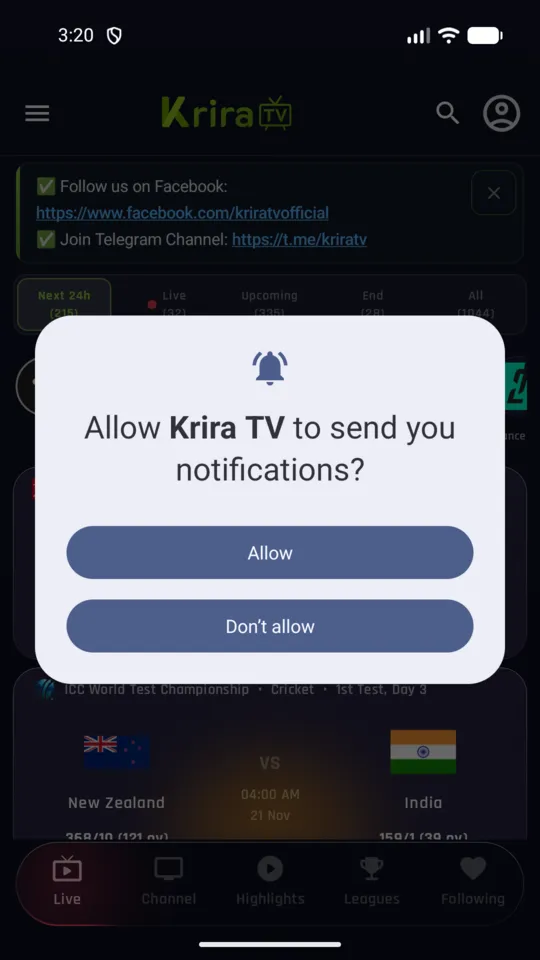
Where the "unknown apps" setting is on popular phones
If the prompt in step 3 doesn't appear, turn the setting on yourself. It is always per-app: allow the app you are installing from (Chrome or Files), not Krira TV.
| Phone | Path |
|---|---|
| Samsung (One UI) | Settings → Apps → three-dot menu → Special access → Install unknown apps → Chrome → Allow |
| Xiaomi / Redmi / POCO | Settings → Privacy protection (or Apps) → Special permissions → Install unknown apps → Chrome |
| Realme / Oppo / OnePlus | Settings → Apps → Special app access → Install unknown apps → Chrome |
| Vivo / iQOO | Settings → Security (or Apps) → Install unknown apps → Chrome |
| Tecno / Infinix / itel | Settings → Apps & notifications → Special app access → Install unknown apps → Chrome |
| Pixel & stock Android | Settings → Apps → Special app access → Install unknown apps → Chrome |
Menu names change slightly between Android versions. If you can't find it, search "unknown apps" in your Settings search bar.
After installing
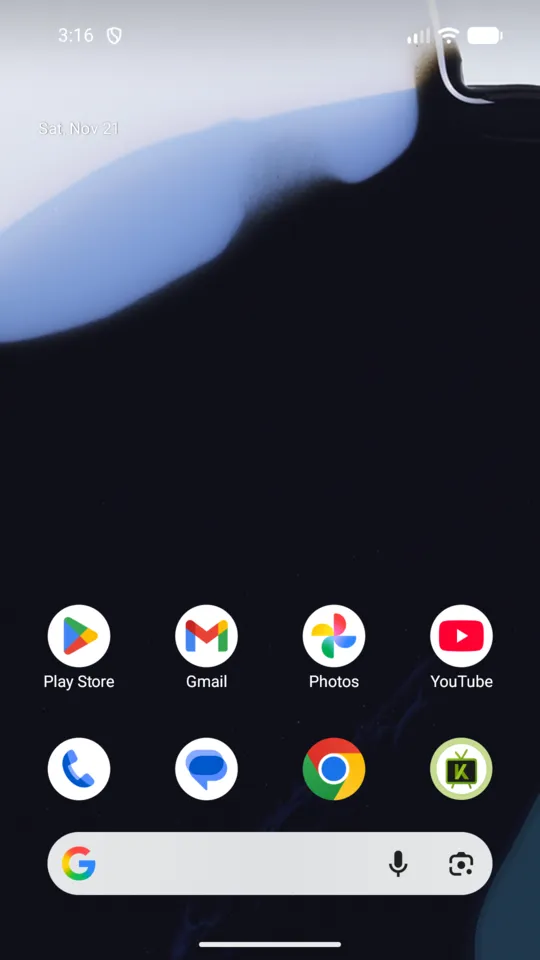
- You can switch Allow from this source back off. Krira TV stays installed and still updates normally when you install a newer APK.
- Delete the APK file from Downloads to save space.
- On Xiaomi and some Realme phones, allow Krira TV to run in the background (Battery saver → No restrictions) so match notifications arrive on time.
Install failed with "App not installed" or "problem parsing the package"? That has its own guide: fixing install errors.